Due to technical limitations, you cannot use the same chart ID more than once on a single page.
For example, this will not work:
JavaScript
[wpdatachart id=33]
[wpdatachart id=33]
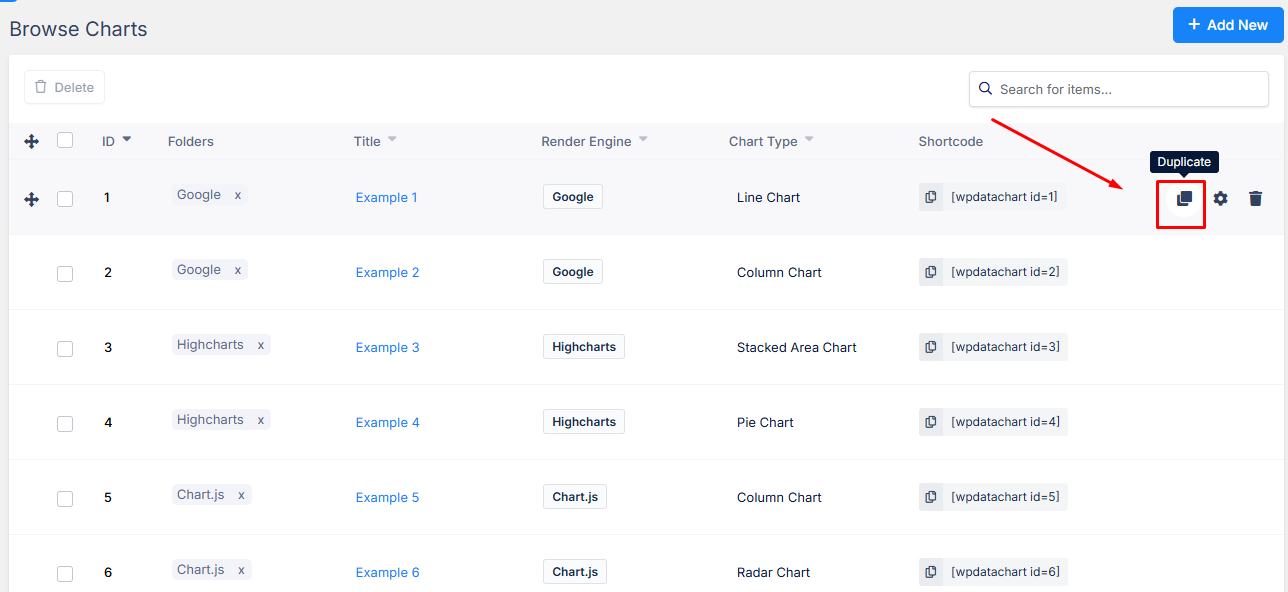
To display the same chart more than once on a page, you’ll need to duplicate the chart first.
Each chart must have a unique ID so the plugin can treat it as a separate instance:
JavaScript
[wpdatachart id=33]
[wpdatachart id=35]
As a workaround, you can duplicate the wpDataCharts and insert the new shortcode.